
Magento
Measure completed Google Ads purchases in Magento
Start with a completed test order and identify which conversion action should record it. A checkout visit and a paid order measure different things.
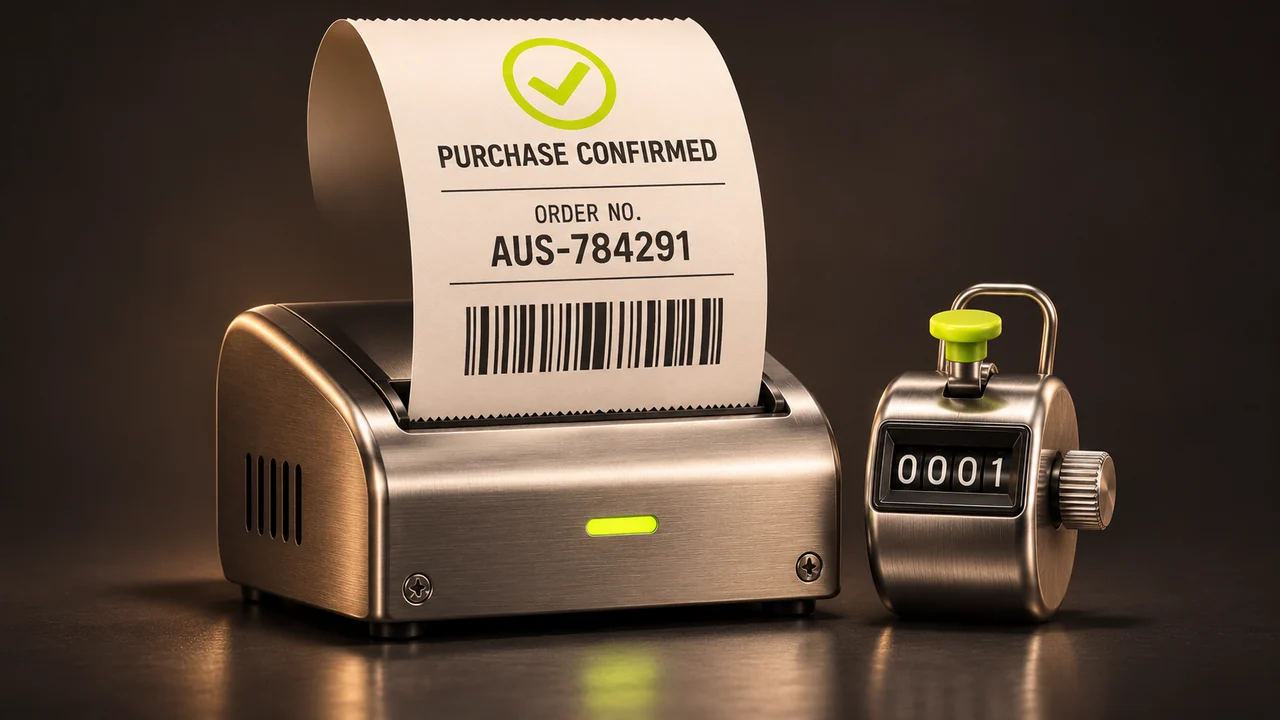
A Google Ads purchase conversion should represent a confirmed order. A checkout page view, a click on “Pay” and the confirmation of an accepted order are different events. Decide which outcome goes into the report before configuring tags.
Find the existing integration
Identify the Commerce edition and release, tag container, Ads account and any existing analytics import. Adobe describes its built-in Google Tag Manager integration as an Adobe Commerce feature. On Magento Open Source, inspect the implementation already used by the store.
Define the purchase
Choose the intended Ads conversion action and document the currency and value convention. Ask the store to provide the confirmed transaction ID, value and currency through the integration. Avoid putting names, email addresses or payment details in event labels or IDs.
Keep product data separate
Merchant Center’s product data describes items and their availability. Google Ads measures campaign conversions. Linking accounts or enabling an additional integration should not turn one completed order into two counted sales.
Verify each state
Use a sandbox payment, a test measurement destination or the platform’s debug facilities. Check an abandoned checkout, a failed payment and one successful order. Open the confirmation page again. A stable unique transaction ID helps the same conversion action recognise a duplicate.
Understand the figures
Compare a sample order with the store record and check the time zone and reporting period. Advertising attribution and order accounting answer different questions. Document the source of each figure before using the report to change spend.